
Your Content Twin
Your Content Twin is an evolving map of how you think, your ideas, stories, values, patterns, and lived experience. It gets sharper with every training session, upload, and interaction, and makes content feel genuinely like you rather than generic AI output.Explore your Twin Map
Your Twin is visualized as an interactive map built around your identity, connecting your thinking across categories including: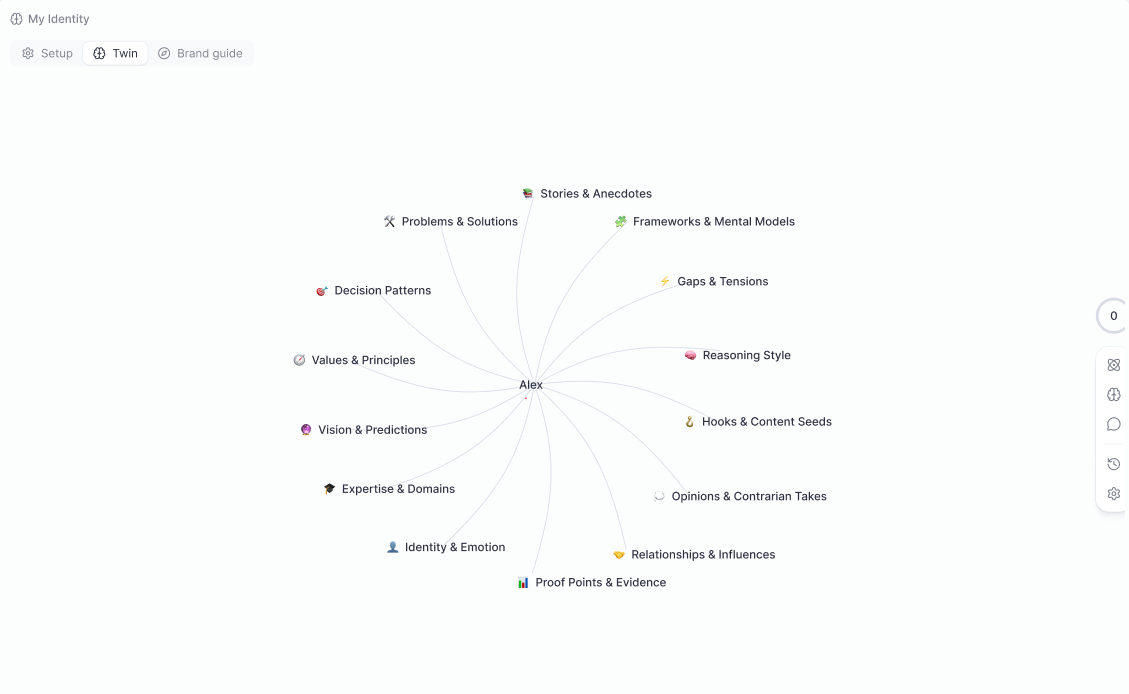
- Stories & Anecdotes
- Frameworks & Mental Models
- Decision Patterns
- Hooks & Content Seeds
- Expertise & Domains
- Values & Principles
- Reasoning Style
- Identity & Emotion
- Proof Points & Evidence
- Vision & Predictions
- Relationships & Influences
- Opinions & Contrarian Takes
- Gaps & Tensions
- Problems & Solutions
Ways to train your Twin
Guided trainings
Structured, topic-specific interviews that strengthen different dimensions of your identity and expertise. Sessions include Basic Interview, Identity & Values, Story & Purpose, Expertise & Knowledge, Communication & Voice, and Leadership & Execution. Complete them in any order.
Upload material
Paste plain text, notes, articles, or research directly into the Twin. Upload files (PDF, DOC, slides) or add links, Pressmaster auto-scrapes linked pages and extracts insights into your knowledge map.
Twin Chat
Go beyond reference, explore, strategize, and execute with your Twin via chat. It can save ideas, fire creation processes, and build full plans. To make it retain something, explicitly say: “Memorize this.”
Streaming Training
Enable Streaming Training in Settings to let the Twin automatically learn from your interviews, journals, and conversations. When disabled, the Twin learns only from what you manually upload.
Twin IQ Score
Your Twin IQ Score measures how well-trained and reliable your Twin is. The score ranges from 0 to 999.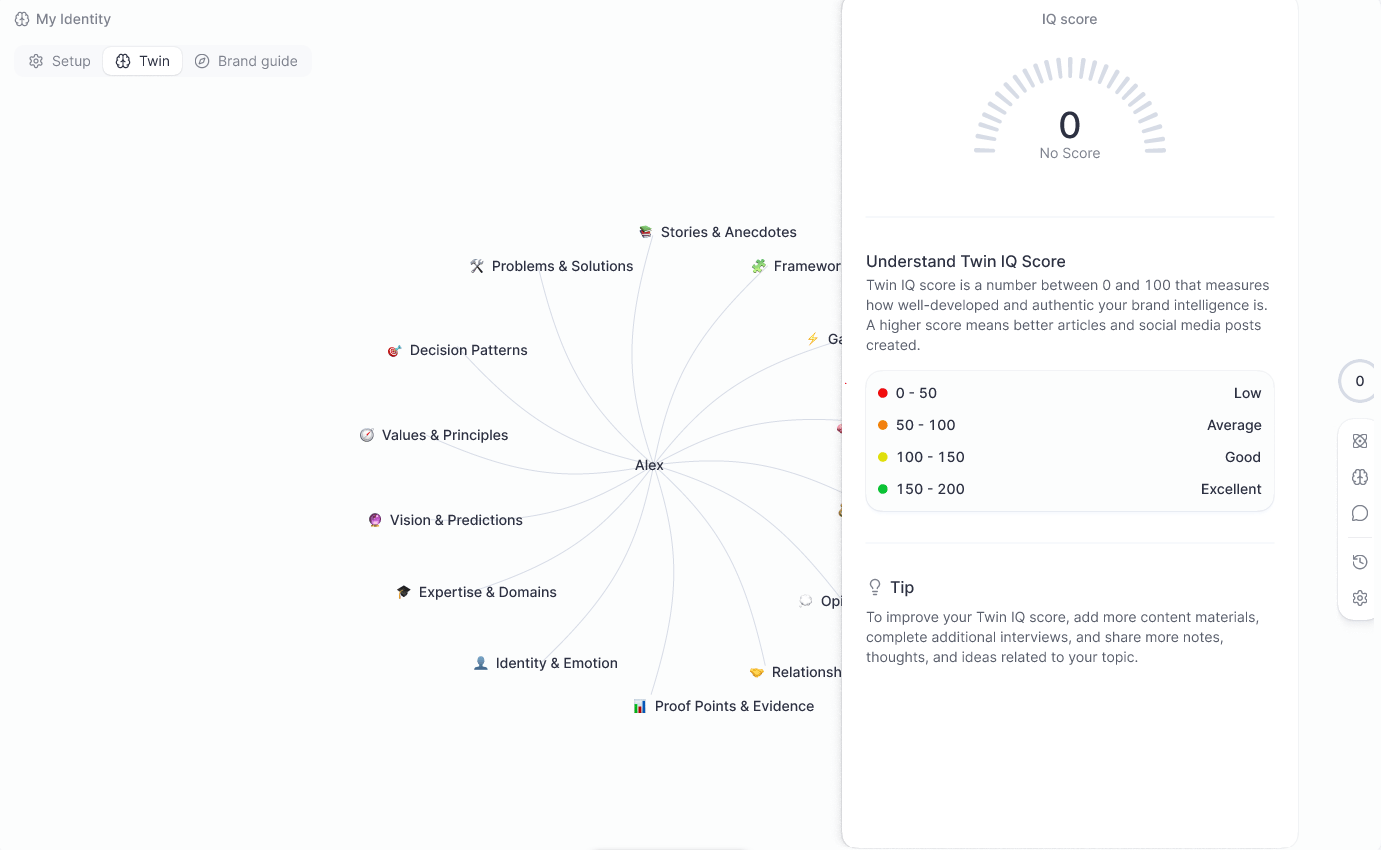
You need a score of 100 or above to use your Twin reliably for content creation. There is no upper limit, the more data you add, the higher and more precise your score becomes.
Using your Twin in content creation
Whenever you create content, enable your Twin by clicking the brain icon next to the agent. When active, the Twin makes your voice more precise, your opinions consistent, and your expertise clear. The editor also has direct Twin access, so every edit stays in your voice without re-entering context.Brand Guide, Voice Profiles & Creative Director
Your brand guidelines tell Pressmaster what to say, how to say it, and how it should look.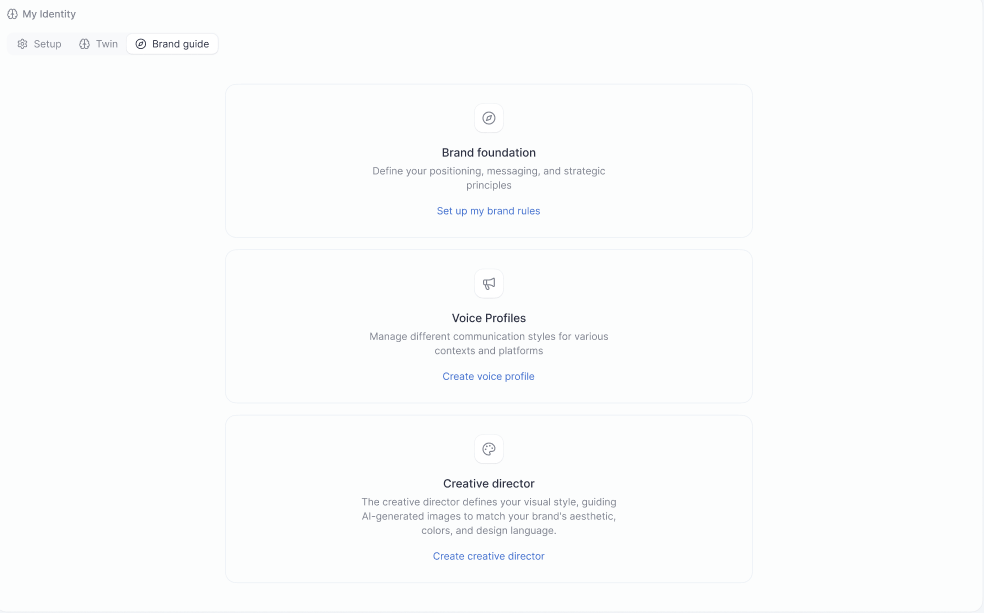
Setting up your Brand Foundation
Open IdentityOS and click Set up my brand rules. Choose how you want to build it: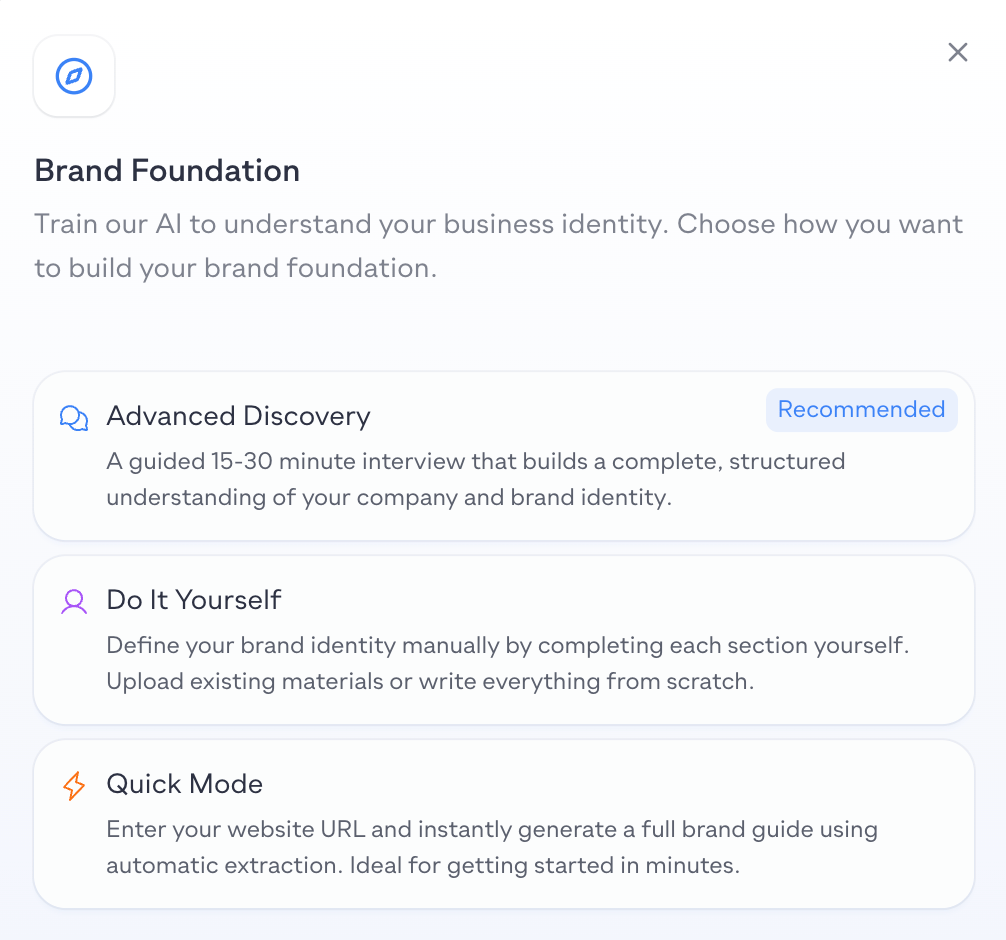
- Advanced Discovery (Recommended), a guided 15–30 minute interview that builds a complete, structured understanding of your company and brand identity
- Do It Yourself, define your brand identity manually by completing each section yourself; upload existing materials or write everything from scratch
- Quick Mode, enter your website URL and Pressmaster instantly generates a full brand guide using automatic extraction; ideal for getting started in minutes
Setting up a Voice Profile
Open IdentityOS and click Create voice profile. Choose how you want to build it: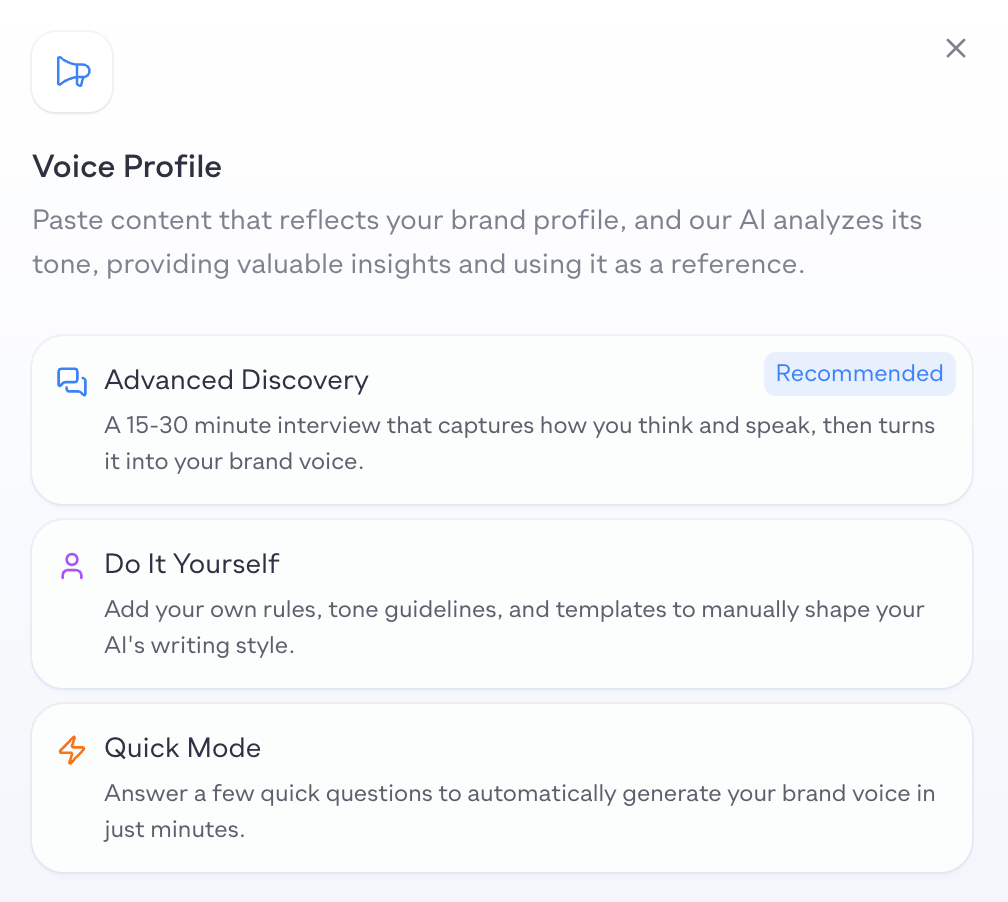
- Advanced Discovery (Recommended), a 15–30 minute interview that captures how you think and speak, then turns it into your brand voice
- Do It Yourself, add your own rules, tone guidelines, and templates to manually shape your AI’s writing style
- Quick Mode, answer a few quick questions to automatically generate your brand voice in just minutes
Multiple Voice Profiles
Creative Director
Your Creative Director defines your visual identity, guiding how AI-generated images match your brand’s aesthetic, colors, and design language. Set it up once and every visual Pressmaster creates stays on-brand without you having to specify style details each time. Click Create creative director in the Brand Guide section and choose how you want to define it: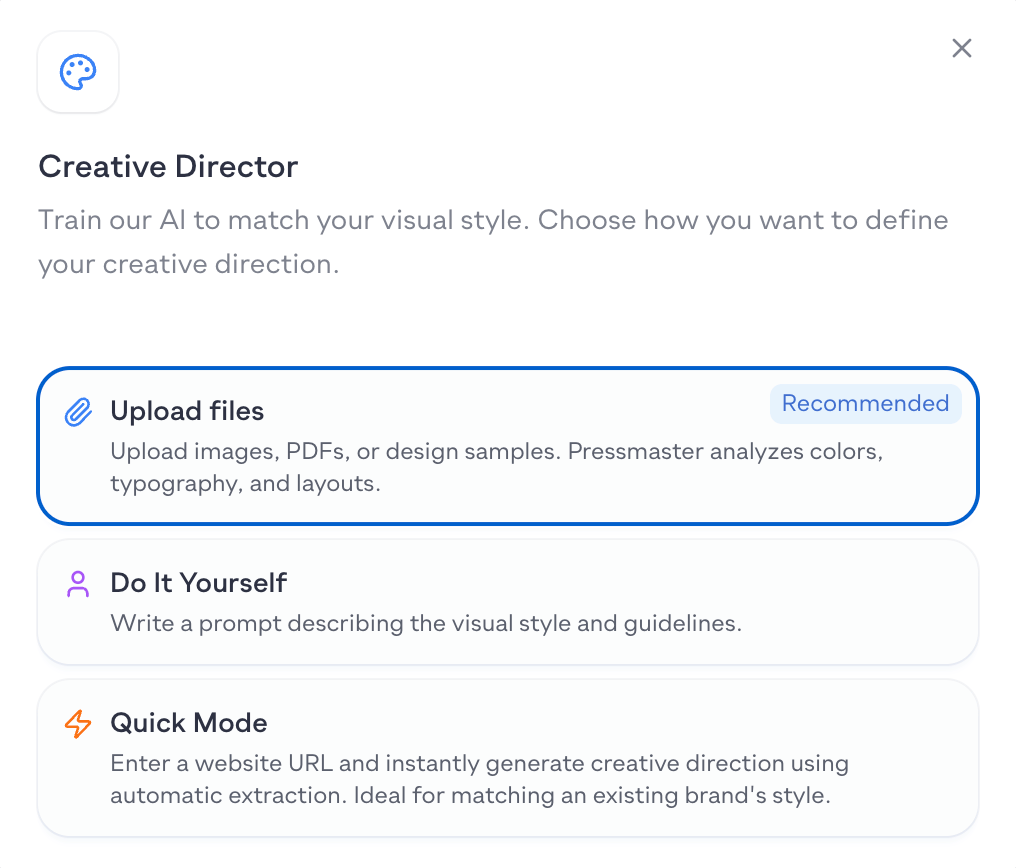
- Upload files (Recommended), upload images, PDFs, or design samples; Pressmaster analyzes your colors, typography, and layouts
- Do It Yourself, write a prompt describing your visual style and guidelines
- Quick Mode, enter a website URL and instantly generate creative direction using automatic extraction; ideal for matching an existing brand’s style